How to Manage Non-SAML Apps in Okta
Okta can't natively manage apps that don't support SAML or OIDC - and in most enterprise environments, that's roughly 30% of the app estate. This post breaks down the three approaches for closing that gap: Okta SWA, automated password managers, and SSO bridging platforms.
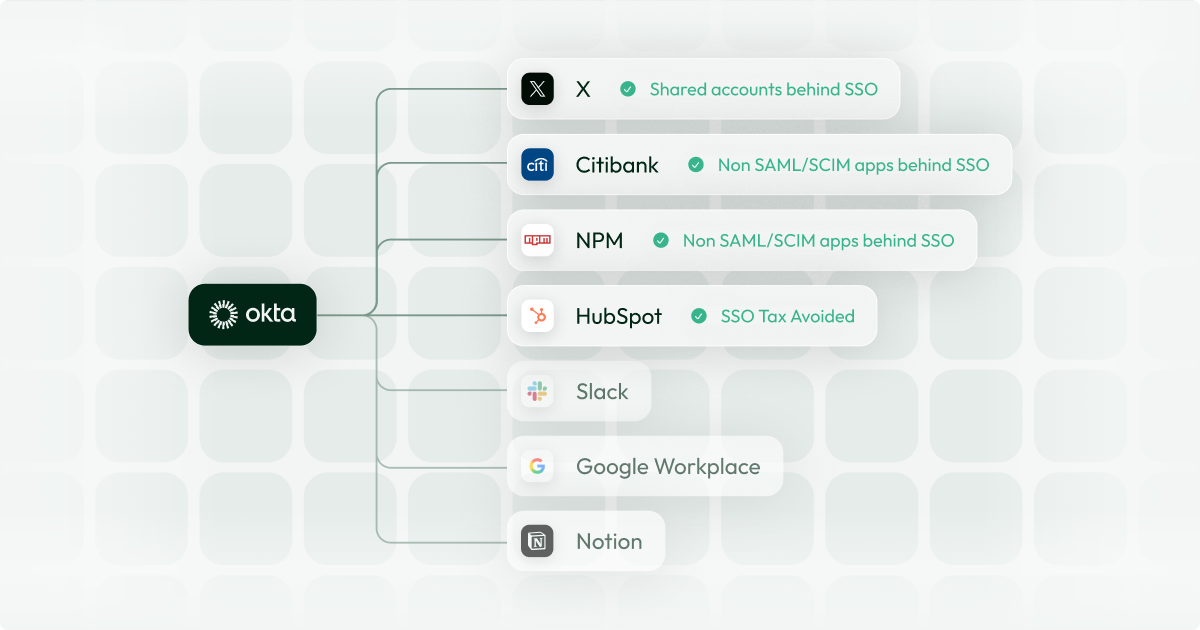
Every identity leader knows the feeling: Okta is live, MFA is enforced, the dashboard looks clean - and then someone asks about the insurance portal, the legacy finance tool, or the government system that IT has been managing with a shared spreadsheet.
These apps don't support SAML or OIDC, so Okta can't touch them. And according to recent research, they represent roughly 30% of the average enterprise app estate - sitting entirely outside your identity perimeter.
There are a growing number of solutions on the market that aim to solve this issue - each with their own advantages and disadvantages. In this blog, we will outline the solutions.
Why Okta Can't Natively Cover Non-SAML Apps
Okta's SSO works by acting as an identity provider (IdP) that authenticates users via the SAML 2.0 or OIDC protocol. When a user tries to access an app, Okta issues a signed assertion confirming their identity, and the app trusts it.
This only works if the application's developers built in support for SAML or OIDC. Many don't - and in regulated industries, the offenders tend to be the most critical systems:
- Banking portals: Third-party financial platforms that authenticate via username and password with no federation support
- Electronic health record platforms: Clinical systems like Epic or Cerner that rely on their own authentication layer and resist external IdP integration
- Government portals: Public-sector systems with fixed authentication requirements that predate or exclude SAML entirely
- Internal tools and custom apps: Homegrown applications that authenticate against their own user database, never built with IdP integration in mind
- Legacy enterprise software: Older on-prem or hosted systems where SAML support was never added and vendors have no roadmap to add it
Every one of these apps falls back to username and password authentication - sitting entirely outside Okta's visibility, policy enforcement, and lifecycle automation. The question isn't whether to manage them. It's how. Three approaches exist, each with a fundamentally different answer to that problem.
Your Options for Managing Non-SAML Apps in Okta
Option 1: Okta SWA (Secure Web Authentication)
Okta's built-in answer to non-SAML apps is called Secure Web Authentication (SWA). SWA works by storing a user's credentials for a given app inside a vault and autofilling them via a browser plugin when the user launches the app from their Okta dashboard.
What it does well:
- Free. SWA is included in almost every Okta licence.
- End-user experience. Apps are visible inside the Okta dashboard, giving users a single launchpad.
Where it falls short:
SWA doesn't change how authentication works - it just automates a password entry. Raw credentials remain visible to the user in the browser, meaning anyone can bypass Okta by simply storing the credentials in their local password manager. This has serious downstream consequences:
- Bypass is trivial. Any user who knows or has cached the password - including former employees - can access the app directly.
- No Policy Enforcement. You can't enforce Okta's authentication policies - like MFA, conditional access, and audit logging.
- No Lifecycle. SWA doesn't create or manage accounts. User lifecycle management remains fully manual, you can't automate account creation, and revoking Okta access doesn't close the account in the app.
For low-risk, non-sensitive tools, SWA is a reasonable stopgap. For anything inside your compliance scope (SOX, HIPAA, DORA, etc.) it creates more audit exposure than it resolves.
Option 2: Automated Password Managers (Cerby)
A newer category of tool takes SWA's core concept of autofilling credentials and builds a more automated layer on top of it. Products like Cerby build RPA scripts to automate identity tasks - including credential rotations and increasingly provisioning and deprovisioning tasks.
What they do well:
- More credential control. Because credentials can be rotated programmatically, the risk of stale passwords is reduced.
- Simplified Lifecycle. If available for a given application, provisioning and deprovisioning hooks can reduce the manual overhead.
Where they fall short:
Just as with SWA, the raw credentials are still accessible to the user - meaning it suffers from the same lack of enforcement. On top of this, the RPA integrations can be brittle.
- Bypass is trivial. Any user who knows or has cached the password - including former employees - can access the app directly.
- No Policy Enforcement. While they may attempt some level of conditional access, the exposed credentials mean you can't enforce Okta's authentication policies - like MFA, conditional access, and audit logging.
- Brittle Integrations. Most tools rely on a remote server running RPA. By being remote, as soon as the UI changes or a CAPTCHA is thrown, the automation fails.
- Not IdP-native. These act as a separate platform to Okta. End-users need to authenticate through them, rather than Okta, to access their apps.
- Catalogue limits coverage. Because it runs on a remote server, the vendors have to build the integrations themselves. These integration catalogues tend to be limited - particularly when dealing with niche apps like Bank Accounts or EHR portals.
For teams that need a quick solution something better than raw SWA but aren’t ready for a deeper integration layer, these tools can reduce some manual overhead. But they don’t solve the enforcement or provisioning problem at its root.
Option 3: SSO Bridging Platforms (Aglide)
SSO bridging platforms aim to make non-SAML applications behave like native SAML apps with two critical differences.
- SAML & SCIM Connection: While credentials are still stored in vaults - the vaults are connected to Okta via SAML and SCIM. From Okta's perspective, the app looks and behaves like any other federated application.
- No Credential Visibility: Rather than doing automation in the user's browser, they are performed in a local agent on the end-user's machine. This means that the credentials are never exposed to the end-user so Okta's policies can be properly enforced.
What they do well:
- Real SSO enforcement. Raw credentials are never exposed to the user or their browser. To access the app, users must authenticate through Okta - meaning MFA requirements, conditional access policies, and session controls all apply at the app boundary.
- Native end-user experience. Users can access bridged apps through the Okta dashboard, the Okta browser extension, or directly from the app's own login page - identical to any fully federated app.
- Full lifecycle automation. Bridged apps connect via SCIM, enabling automated provisioning and deprovisioning tied directly to your IdP. No human intervention required.
- Audit-grade access records. Because all authentication flows through the platform, you get verifiable records of who accessed what and when - through Okta. This is what SOX and SOC 2 auditors need.
- No catalogue required. Because the automations run locally, they can be quickly configured to work with any app - meaning you aren't reliant on a catalogue.
Where they fall short:
- Desktop Application. Unlike the other solutions which just use an extension, Bridging Platforms rely on a desktop agent being installed on a users device - adding roll out friction.
- No mobile support. The local agent requirement means these solutions often don't support mobile authentication.
SSO Bridging platforms are the only solution that makes an app work with Okta normally. For organisations with a meaningful number of non-SAML apps inside their compliance perimeter - particularly in regulated industries like financial services, insurance, or healthcare - it is likely worth the more involved rollout process.
Comparison
| Okta SWA | Automated Password Managers | SSO Bridges | |
|---|---|---|---|
| Okta SSO Enforced | ✗ | ✗ | ✓ |
| Okta Lifecycle Compatibility | ✗ | ✓ | ✓ |
| Audit / Compliance Ready | ✗ | ✗ | ✓ |
| Integration Reliability | Good | Poor | Good |
| Works with any app | ✓ | ✗ | ✓ |
| Mobile Support | ✗ | ✓ | ✗ |
| Cost | Included | Paid | Paid |
| Requirements | Browser Extension | Browser Extension | Browser Extension & Desktop Agent |
The Bottom Line
Okta is a best-in-class IDP, but it's designed for a SAML-native world that most enterprise app estates don't reflect. The non-SAML gap is real, it creates measurable security and compliance risk, and it gets harder to close as your app estate grows.
The right approach depends on your scale and risk tolerance. For any business subject to audit or operating in a regulated sector, manual runbooks aren't enough.
Aglide connects non-SAML and non-SCIM apps natively to Okta and Entra ID, automating provisioning, deprovisioning, and access reviews across your full app estate.